
Guides
GhostLock SIM Change Detection Explained
Why thieves swap SIM cards first, and how SIM change detection catches the oldest trick in the book.
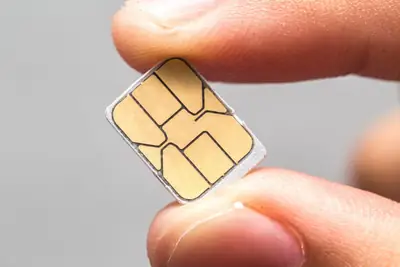
The first move of a phone thief
Steal a phone, pull the SIM, and the owner cannot call it, track it, or remote-wipe it. SIM swapping is step one in the theft playbook, which is why GhostLock APK watches the SIM tray and raises the alarm the moment a card is removed or replaced. Get the free build from this site.
How the detection works
It watches the SIM state continuously. Any change, removal, swap, or reinsertion, counts as a tamper event.
It alerts immediately. The siren fires on the spot, because the person holding the phone at that moment is the person you want to scare.
It logs the event. The tamper log records the SIM change with a timestamp, so you know exactly when it happened.
When it matters most
Travel is the big one: swapping to a local SIM is normal for you, but a thief does the same thing to disappear your number. Arm the detection and you will know the instant it happens. It also pairs perfectly with geo-fencing: the zone watches the place, the SIM watch guards the phone itself.
Note for dual-SIM phones: the detection covers both slots, and the GhostLock overview lists every alarm in one place. If alerts ever misfire after a legitimate swap, the power-off protection keeps the phone from going dark while you sort it out.
Quick answers
Will it alert when I swap SIMs myself?
Yes, any SIM change triggers it. Disarm the guard before swapping your own SIM, then re-arm.
Does it work with eSIM?
It monitors the SIM state the system reports, which covers eSIM profile changes on supported phones.
Does it need internet to alert?
No. The siren and log work fully offline; the alert is local and instant.