
Guides
GhostLock for Travelers: Guard Your Phone on the Road
The traveler setup: airports, hotels, hostels, and crowded streets, with the alarms that matter most abroad.
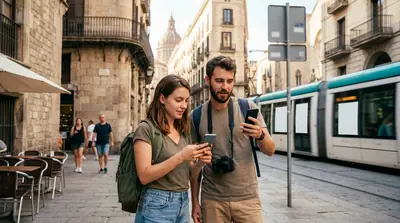
Why travel is peak theft season
Unfamiliar places, distracted routines, public charging, and hostel dorms: travel concentrates every phone-theft scenario into one trip. A travel-ready setup takes ten minutes and covers all of them. Install the free build from this site before you leave, not after you land. GhostLock App
The travel configuration
Airports: arm the charger removal alert at every public outlet. Coffee runs stop being a gamble.
Hotel and hostel rooms: arm the motion alarm on the nightstand. Dorms with strangers are exactly what it is for.
Crowded streets and markets: switch on anti-pickpocket mode before heading out. Calibrate it with your travel jacket, not your home one.
SIM swaps: you will buy a local SIM, and so would a thief. Disarm SIM detection for your own swap, then re-arm immediately.
Two travel tips
Test the siren volume in your hotel room on day one; foreign buildings have different acoustics, and you want to know it carries. And screenshot your disarm code into a secure note: travel brain forgets codes.
The homepage lists every alarm the app carries.
Quick answers
Should I set this up before my trip?
Yes. Install, grant permissions, and calibrate at home where it is quiet. Configuring in a busy airport is how settings get skipped.
Does it work without mobile data abroad?
Fully. Every alarm works offline; only geo-fencing wants location, which needs no data plan.
What if my phone is stolen despite the alarm?
The siren deters most attempts, but keep your built-in tracker enabled too for the locate-and-wipe aftermath.